Solution: Why Is My Power Bank Blinking But Not Charging?
author: Trusda
2024-03-04
When using a power bank, you may encounter various issues, which can be caused by improper usage or a malfunction of the power bank itself. In this guide, Trusda will provide solutions for troubleshooting when your power bank is flashing but not charging.
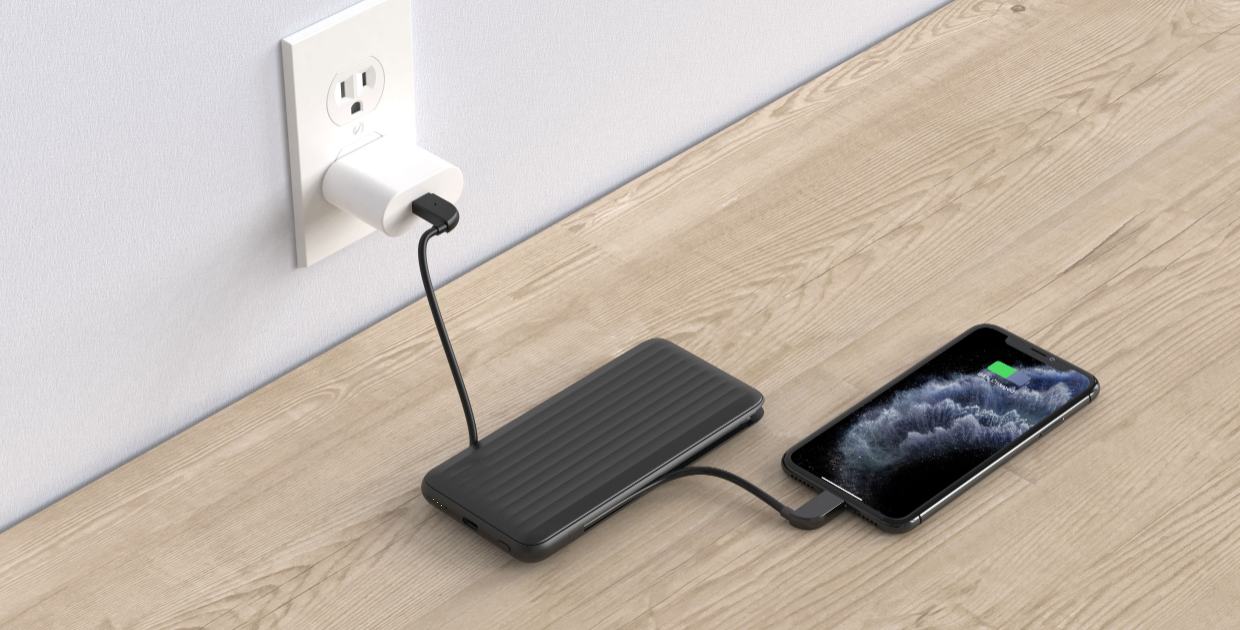
1. Check the power cable:
First and foremost, make sure that the power cable is firmly and securely connected. Incorrect insertion of the cable can potentially hinder the charging process. If the connection is correct but the power bank still fails to charge, try using a new power cable, preferably from a reputable brand that guarantees quality.
2. Inspect the charging port:
Check the charging port of the power bank for dust, water, or debris. If any is present, clean it carefully to avoid damaging the port.
3. Use a wall outlet for charging:
Avoid using a laptop or desktop computer to charge the power bank, as this method may not provide a stable charging environment.
4. Replace the adapter:
If you have gone through the above steps and the power bank still doesn't work, check if the adapter is faulty or provides insufficient output. The quickest solution is to replace the adapter with a new one.
5. Seek repair:
If you have tried all the steps above and your power bank still fails to function, it may be damaged. Damage could potentially be caused by the battery reaching the end of its lifespan or internal component failure in extreme environmental conditions. However, regardless of the situation, these issues are not something that users can resolve on their own.
In this case, you can send it in for repair. Trusda provides a 13-month warranty period, during which you can return the power bank for repair (note that disassembling the power bank on your own will void the warranty). If the warranty period has expired, you can choose to visit the nearest electronics repair center for assistance.
Conclusion:
If your power bank is blinking but not charging, it's crucial to troubleshoot the issue for proper functionality. Follow the mentioned steps to identify and resolve the problem. If none of these steps work, consider getting a reliable replacement power bank.
Are you in search of a reliable manufacturer of portable power bank? Look no further and contact us. Established in 2001, Trusda has over a decade of experience in ODM/OEM services. Our current product range includes mobile power banks, power stations, laptop power banks, magnetic wireless power banks, and Camping lights. We specialize in customizing Power supply products that best meet your requirements.
Does iPhone 14 Have Wireless Charging? Let's Explore Together!
Does iPhone 13 Have Wireless Charging? A Comprehensive Guide
Related Article

Learn what a semi-solid power bank is, why semi-solid-state battery technology matters in 2026, and how to choose a safer, longer-lasting portable charger.
Semi-Solid Power Bank Guide 2026: Safer Charging, Longer Battery Life, and What to Check Before Buying
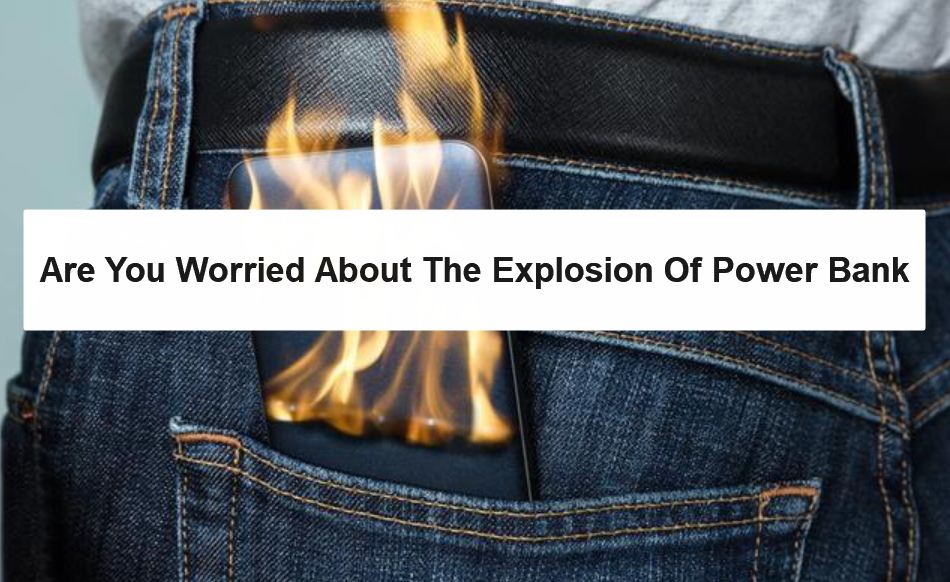
Will power banks explode? While it's not a common occurrence, it's crucial to understand how to use them correctly. Dive into this article to uncover everything you need to know about power bank explosions.
Safety Guide: Are you worried about the explosion of power bank?